
Process audit & mapping
We trace how requests, money and documents actually move. You get a process map and an automation plan with priorities.
We bring order to operations: records move from spreadsheets into a system with roles and history, AI assistants join the team, and a custom ERP grows around your processes — all on infrastructure you control.
We do not sell a box. We study how your business actually works and build exactly the system it needs.
We trace how requests, money and documents actually move. You get a process map and an automation plan with priorities.
Records and approvals move from spreadsheets and chats into a system: roles and permissions, statuses, reminders, full change history.
Assistants working on your company's data: executive summaries, document processing, answers to your team's questions.
A management system built for your company: only the modules you need, your terms and your processes — no paying for “everything at once”.
We connect what already works: 1C, Google Workspace, Telegram, payment services — via API, with no double entry.
Deployed on your server or cloud: monitoring, backups, alerts. The system lives on — and someone is accountable for it.
Not mockups and not screenshots: these interfaces are built the same way we build them for clients. The data is illustrative.
Every step lives in its own channel, and nobody sees the whole picture.

Nine stores, each with its own stock spreadsheet. The summary was compiled by hand on Mondays and was stale by Wednesday.
Unified stock and sales accounting, automatic purchase requests at minimum levels, a live report for the owner.
Stockouts stopped being a discovery. Orders are generated by the system, not by someone's memory.

Requests arrived by email, chat and phone. Only the dispatcher handling a run knew its status.
A single request desk with statuses and owners, integration with 1C and Telegram, full change history per request.
Anyone can see where the cargo is and who is responsible. A dispatcher's holiday no longer stops the work.
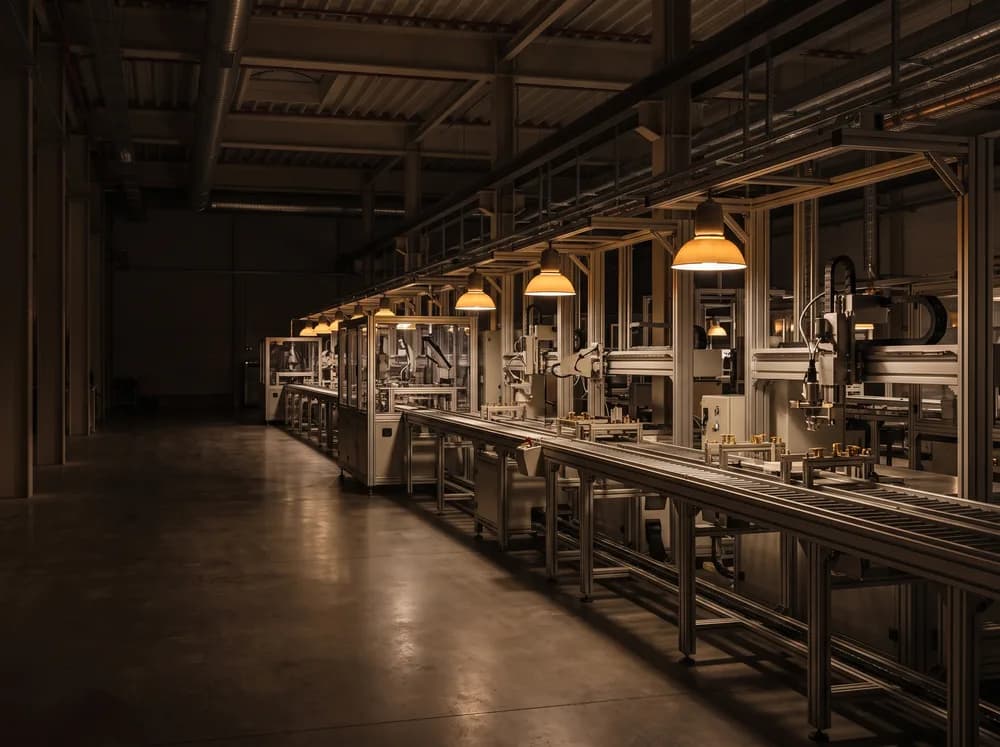
The output plan lived in Excel, the actuals in the foreman's logbook. Discrepancies surfaced at month end.
Output recorded per shift, material consumption norms, automatic batch cost calculation.
Overconsumption is visible the same day, not in a report a month later.

Contracts sat in folders and renewal dates in the lawyer's head. Approvals went by email and left no trace.
A contract register with statuses and reminders, approval routes, access rights and complete history.
Not a single missed renewal. It is visible who holds a document and for how many days.
Our best case is PMEG's own ecosystem: we manage real construction projects on these tools every day. Below are working products, not mockups.
The whole project on one screen: budget, earned value, forecast, critical path. Opens on any device.
A replacement for working spreadsheets: role-based data entry, month locking, and a log showing who changed what and when.
Answers questions about project data and prepares executive briefings: what is late, where the budget goes, what needs a decision.
The whole infrastructure on one screen: services, databases, backups, disk. Problems are visible before anyone reports them.
Tick what hurts. We will show the make-up of the system and the time to a working prototype.
Tick at least one item on the left and we will assemble the scope and the timeline.
We do not start with a hundred-page spec. You decide on the big system while looking at a working screen with your own data.
01 · 1–2 weeks
We study how processes and records work today and where time and money leak.
02 · 2–4 weeks
A working system on your real data — something to touch, not a slide deck.
03 · from 1 month
We turn it into a product: permissions, integrations, team training. Launched in stages, without stopping the business.
04 · ongoing
Monitoring, backups, new features as you grow. The system grows with the business.
An off-the-shelf system makes the business adapt to it. We do the opposite: the system mirrors your processes and your vocabulary, has no unnecessary modules — and you do not pay for what you do not use.
Up to a certain size it is fine. It becomes bad when spreadsheets start costing money: lost edits, double entry, manual reports. We migrate data carefully and usually run the system in parallel with the sheets until the team settles in.
It depends on scope, which is why we start with an audit and a prototype: a limited budget and a tangible result, after which the cost of the full system can be estimated precisely.
The assistant only works with the data you grant it, on infrastructure under your control. What is shared and where is fixed in writing before we start.
We do: support is part of the service, from monitoring and backups to new features. The code and documentation are yours — we can hand the system over to your team if you wish.
Tell us about your process and current tools. We will discuss the first phase and show a relevant demo.